Load into Free Flight, then open the pause menu and look for the music setting. DisastrousRow2335 reports finding it while already in the world on PS5 on November 2. Choose the available music there and resume to check the change; the report is about an in-flight menu, not a separate soundtrack app or store purchase.
On this page
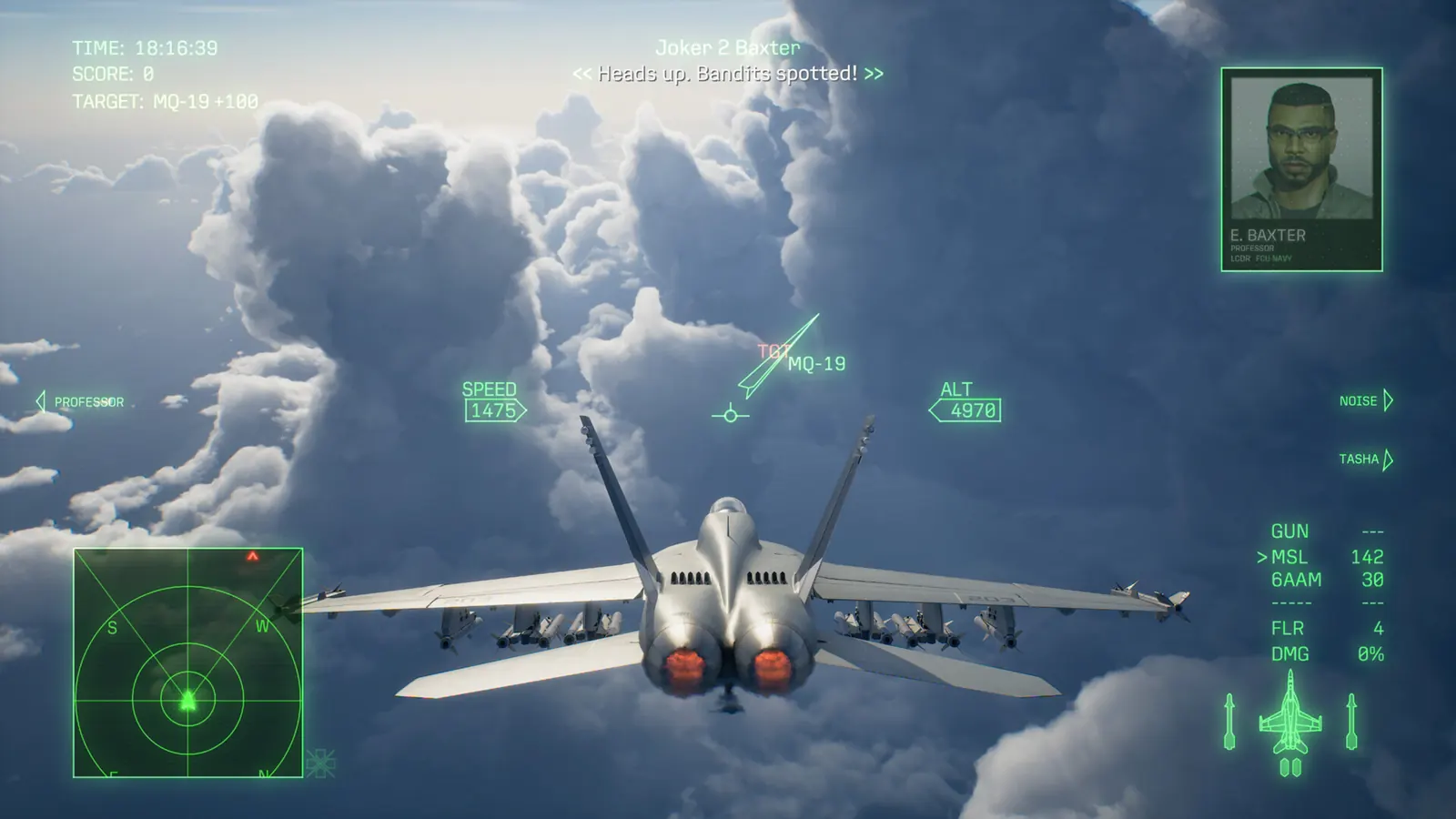
Use the pause menu after the flight has loaded
- Enter Free Flight and wait until you have actually loaded into the flying area.
- Pause using the input shown for your current controller.
- Find the music setting and choose from the options your game displays. Keep a note of the original selection if you want to return to it.
- Resume and listen for the selected music. If you want another track, use the same pause-menu route.
The source locates the setting in the pause menu after loading. It does not supply a verified submenu caption, a universal keyboard shortcut or a complete track list, so those are not invented here.
Free Flight music is a different task from buying the soundtrack
The player’s discovery concerns audio inside the game. It does not establish that every soundtrack recording, bonus track, vinyl selection or external playlist can be imported into Free Flight.
For official listening and physical-package differences, use the soundtrack and vinyl guide. For practice objectives and a controlled flight, use the practice-mode guide. Neither is a prerequisite purchase established by this report.
If your pause menu has no music choice
Check that you are in Free Flight rather than looking only at a mission-selection or preflight screen. Record your platform, installed version and the menu you can actually see. The checked post describes PS5; it is not evidence that an identical option must appear on every platform, in Campaign or in Online.
If the selection changes but you hear nothing, keep the old selection available and check the displayed game music/audio setting. This is a basic diagnostic distinction, not a confirmed fix for every sound problem. Do not delete saves or replace audio files to imitate a menu that is absent.
Sources & limits
Community reports are attributed, not tests performed by this site. Builds are unspecified unless stated.
- Reddit: PS5 Free Flight music discovery ↗
DisastrousRow2335 original and visible reply read November 2; original specifies the pause menu after loading. No menu screenshot or site playtest.