The official Steam listing supplies 1920×1080 screenshots with cockpit, character, preparation and aerial views. Use the source links below to view the originals. They are 16:9 images, not verified native 4K wallpapers; ultrawide displays will need cropping, letterboxing or another image.
On this page

Choose a composition and open its official source
The previews are optimized editorial images from the game’s official Steam listing. Open an original below to inspect the full frame. The preparation and HUD shots include UI, while character and cockpit images may suit a quieter desktop.
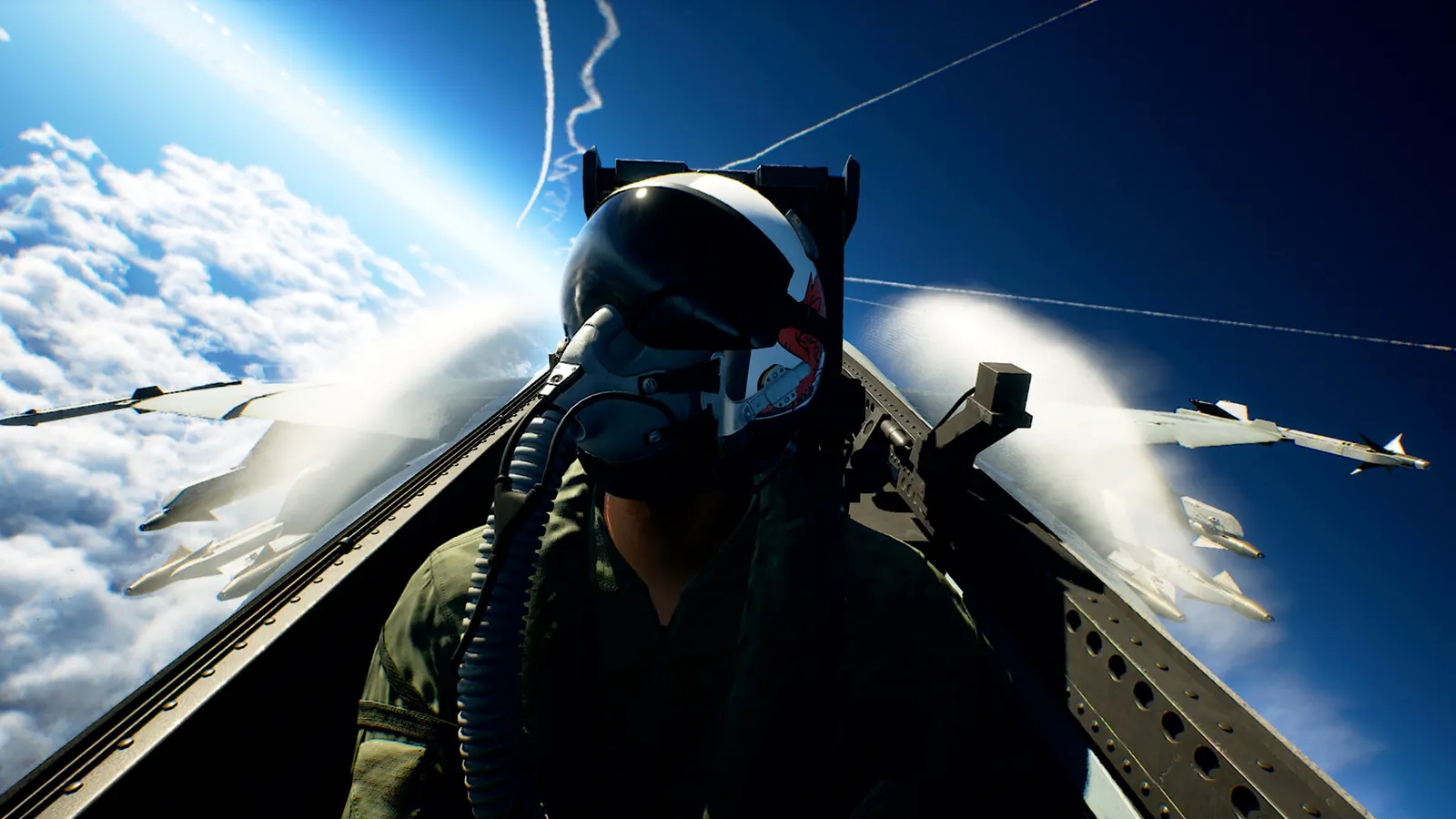
- Above the clouds: official 1920×1080 original — Helmeted pilot in a fighter cockpit, with aircraft and clouds beyond the canopy.
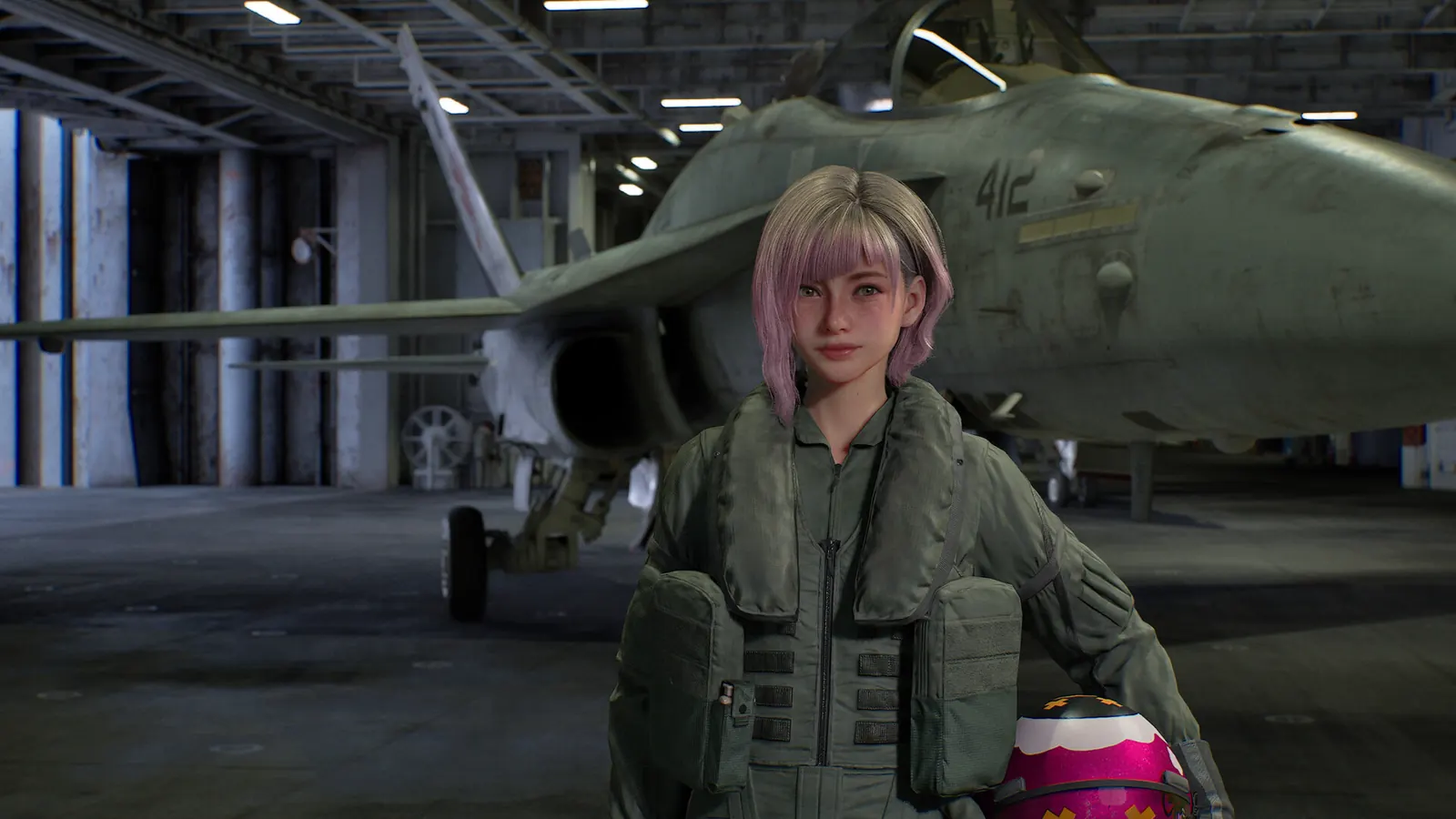
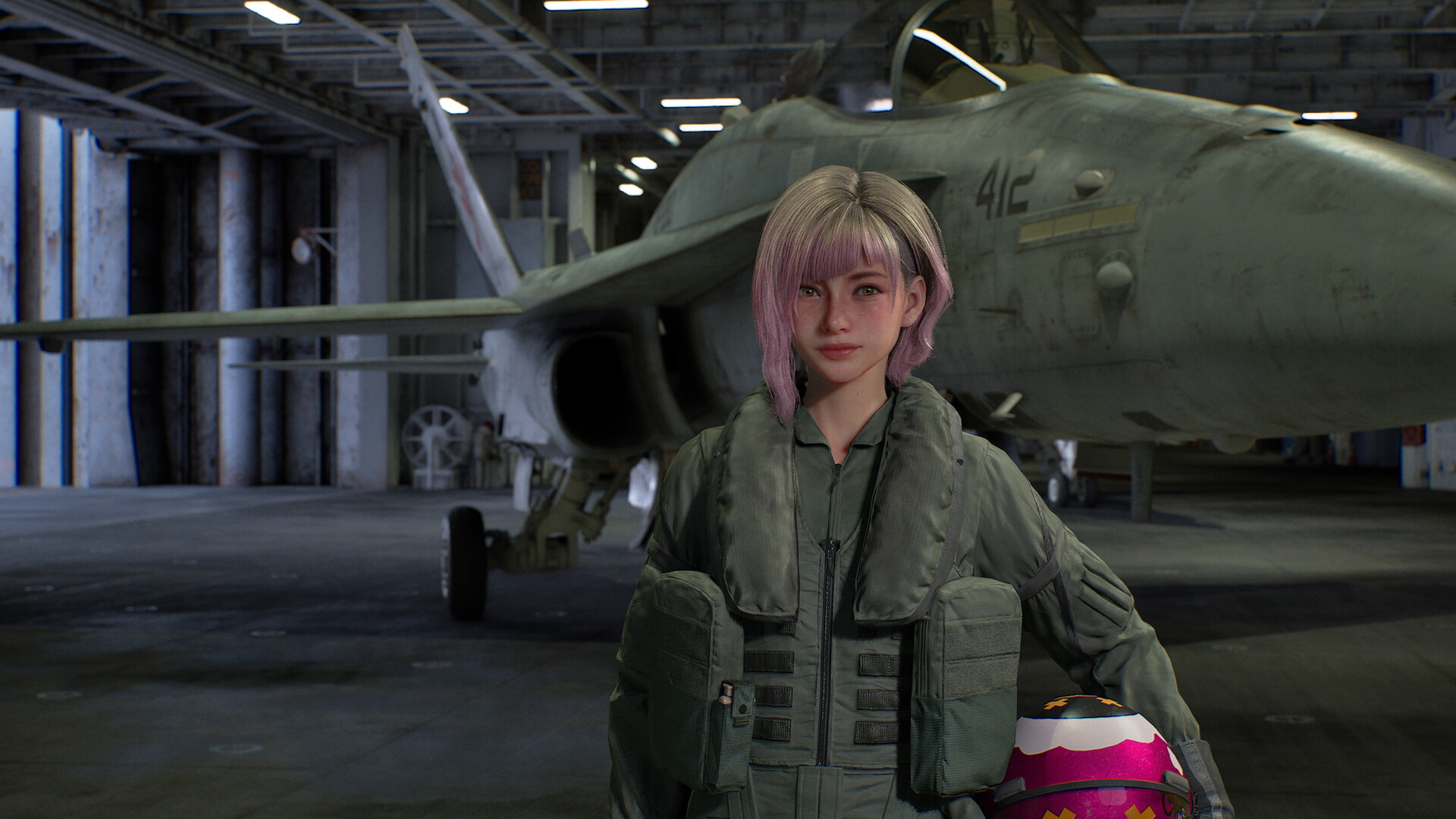
- Joker Flight: official 1920×1080 original — Tasha in flight gear beside an aircraft inside a hangar.
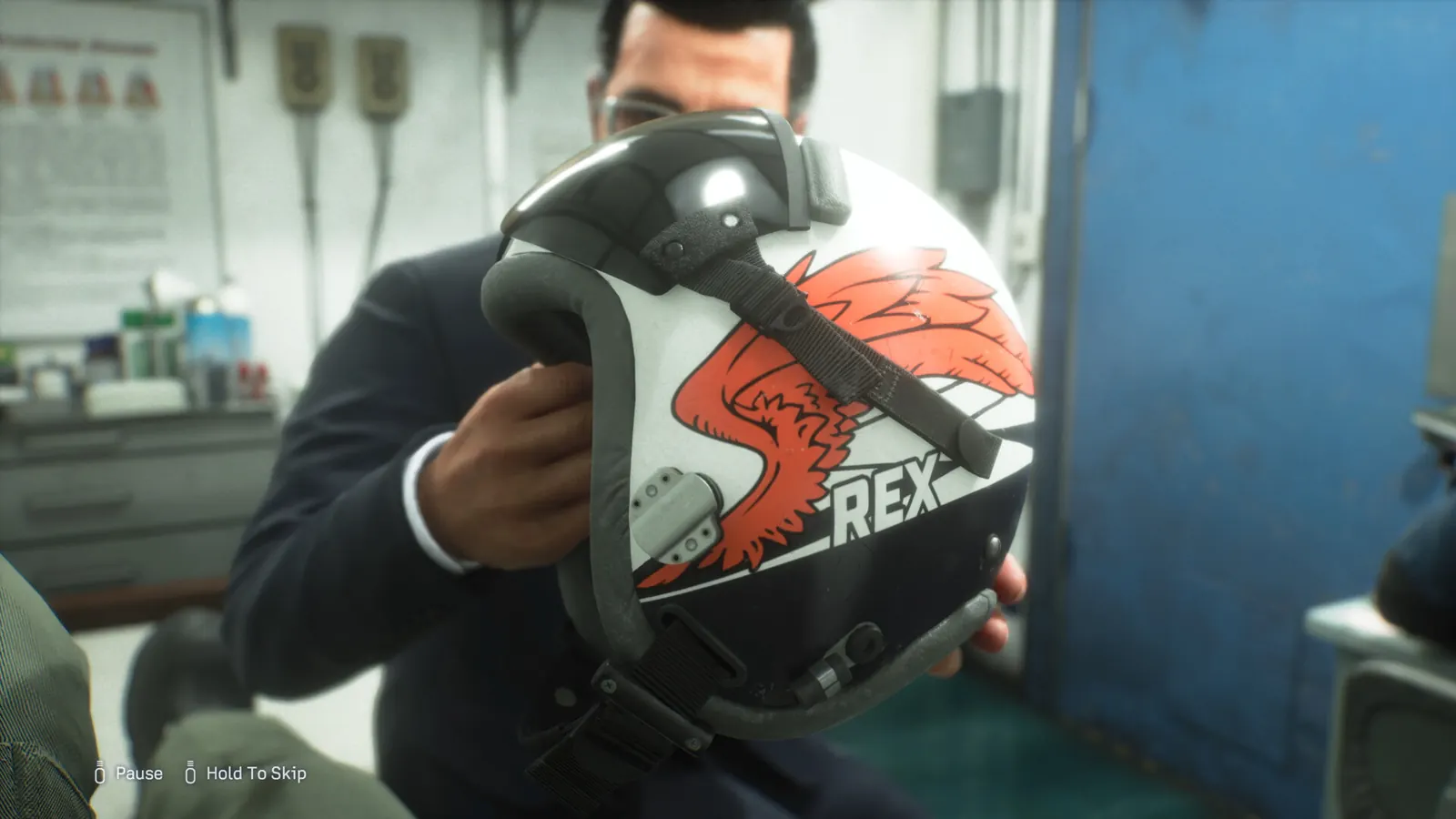
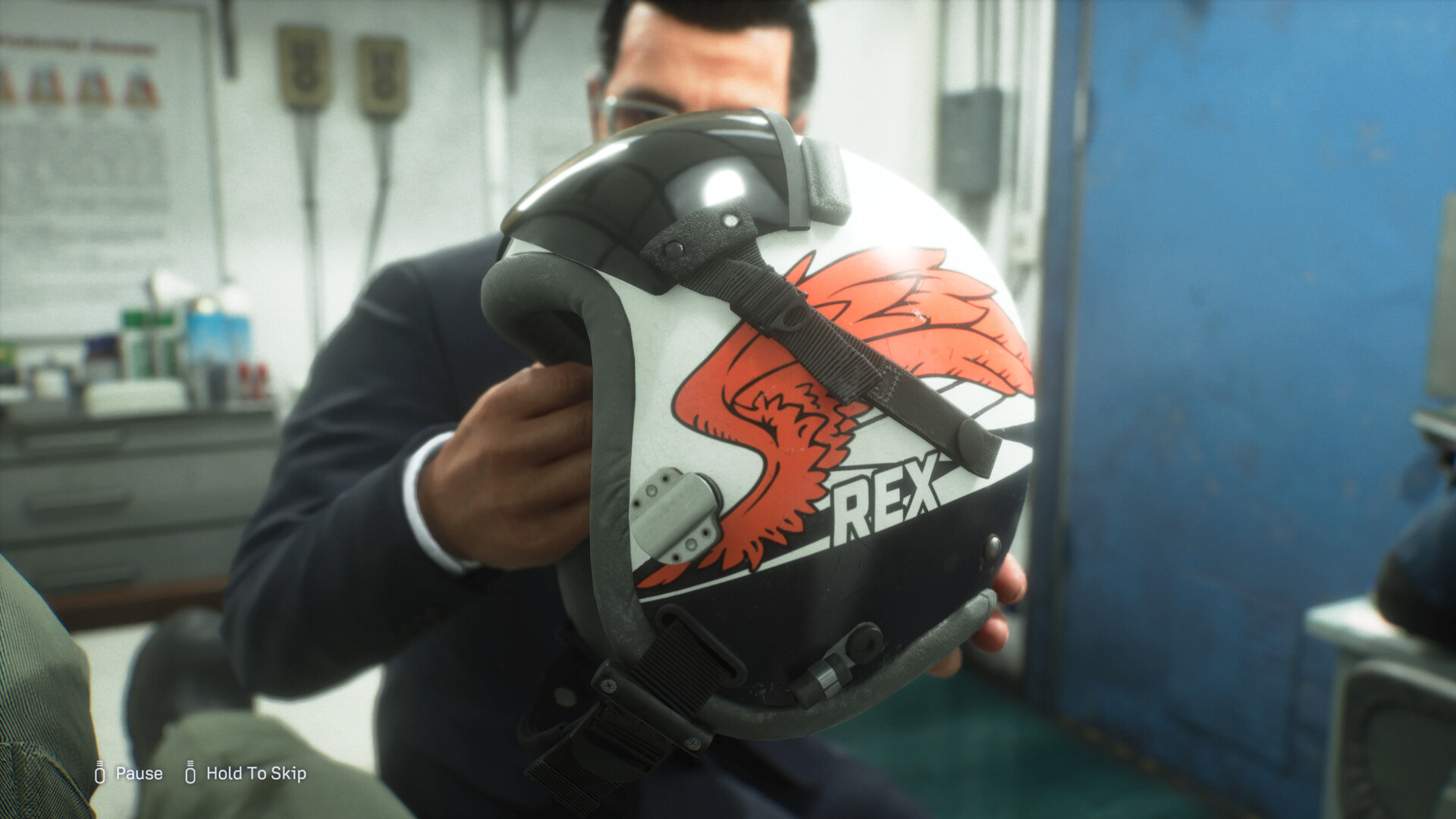
- Carrier crew: official 1920×1080 original — A crew member holding a flight helmet marked REX.
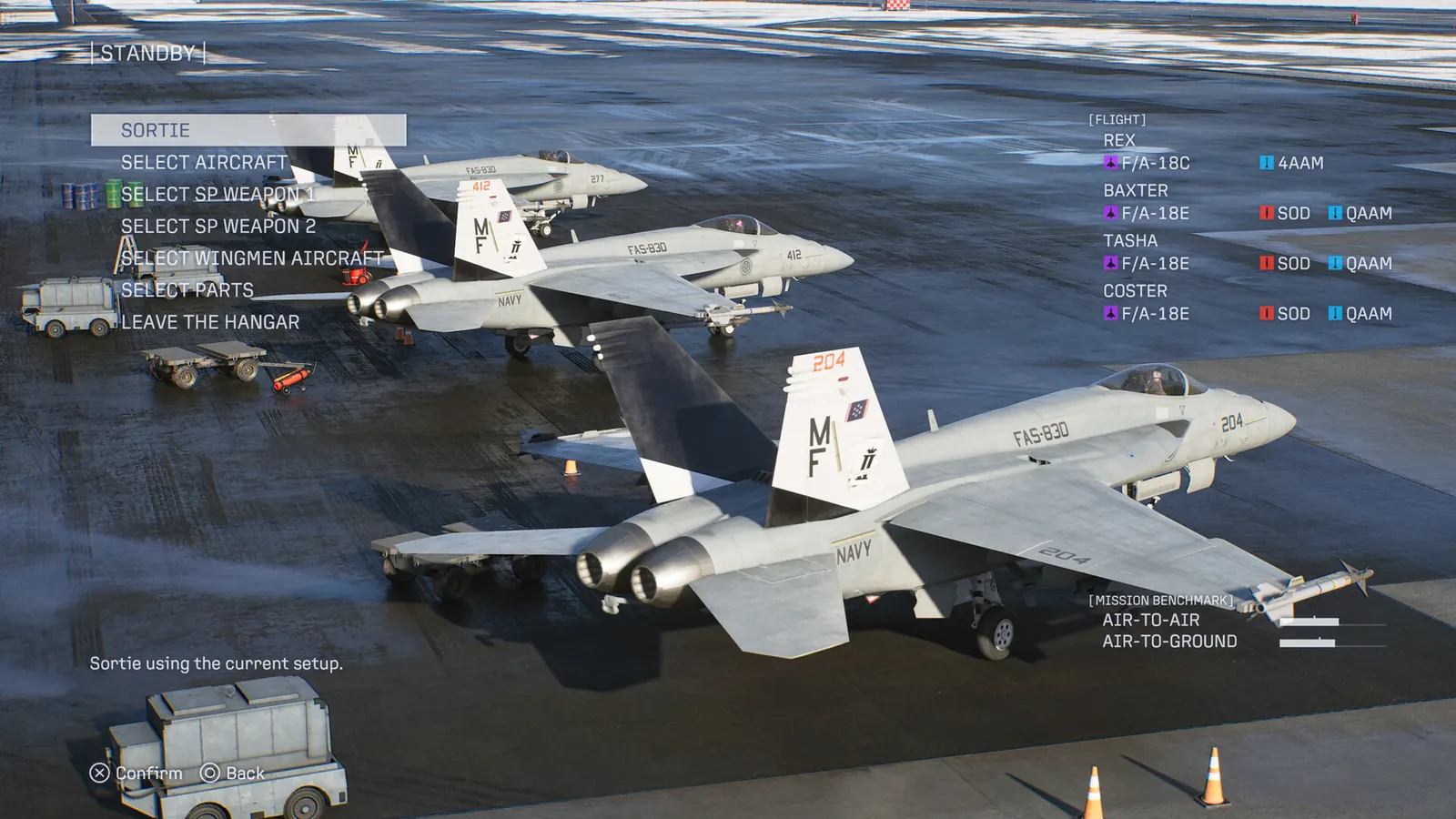
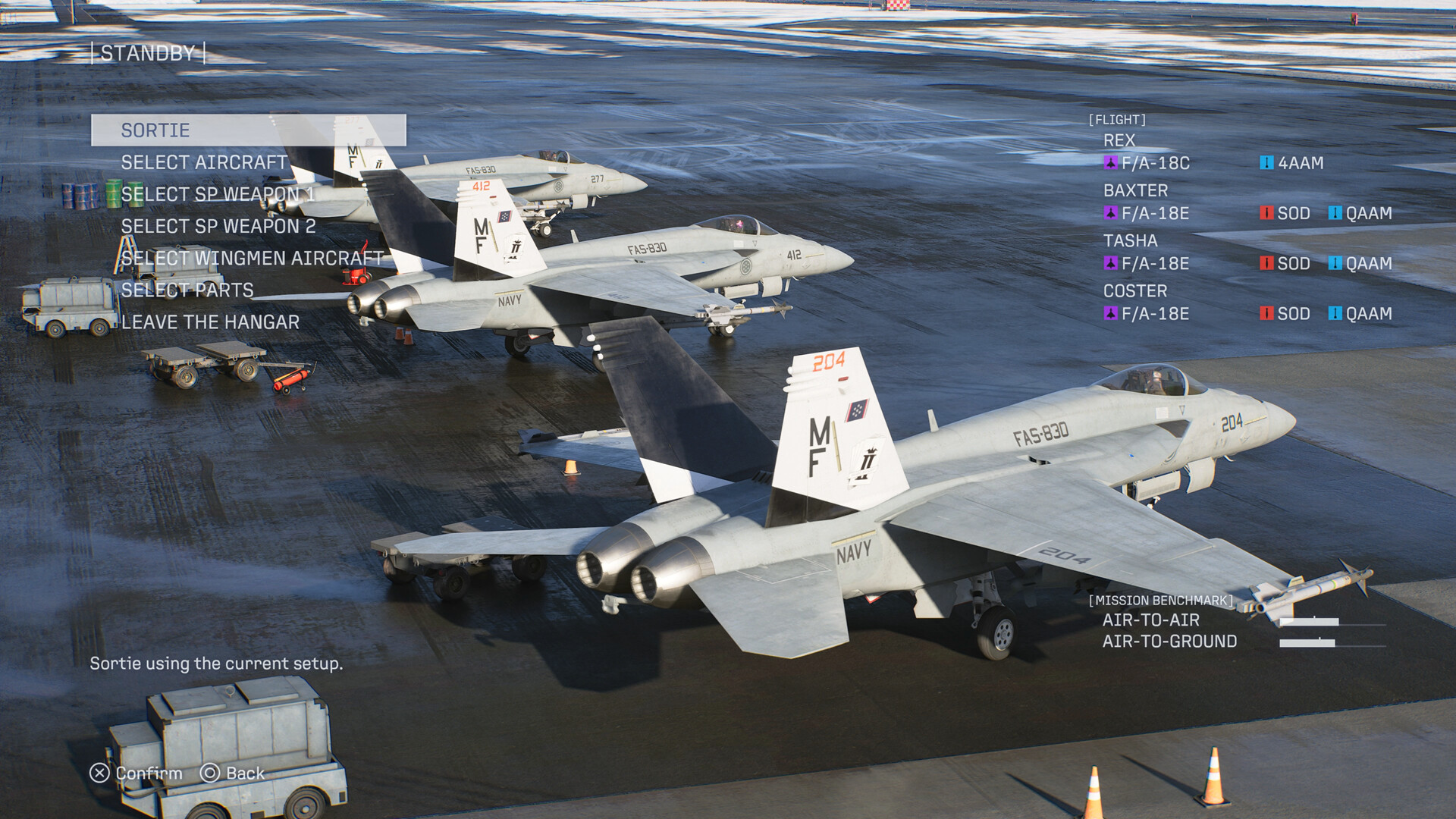
- Prepare the flight: official 1920×1080 original — Campaign preparation screen showing a four-aircraft lineup and two special-weapon selections.
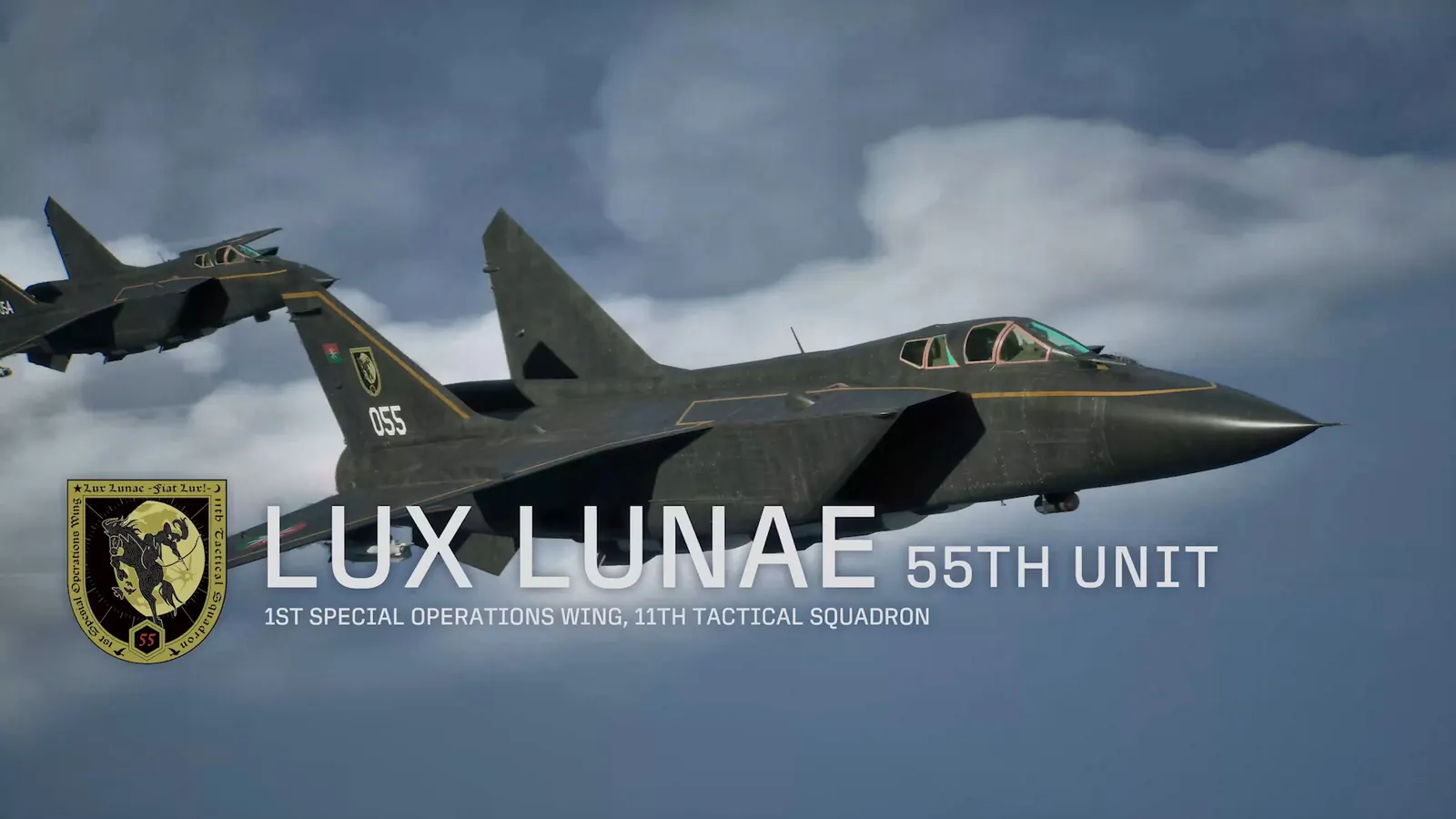
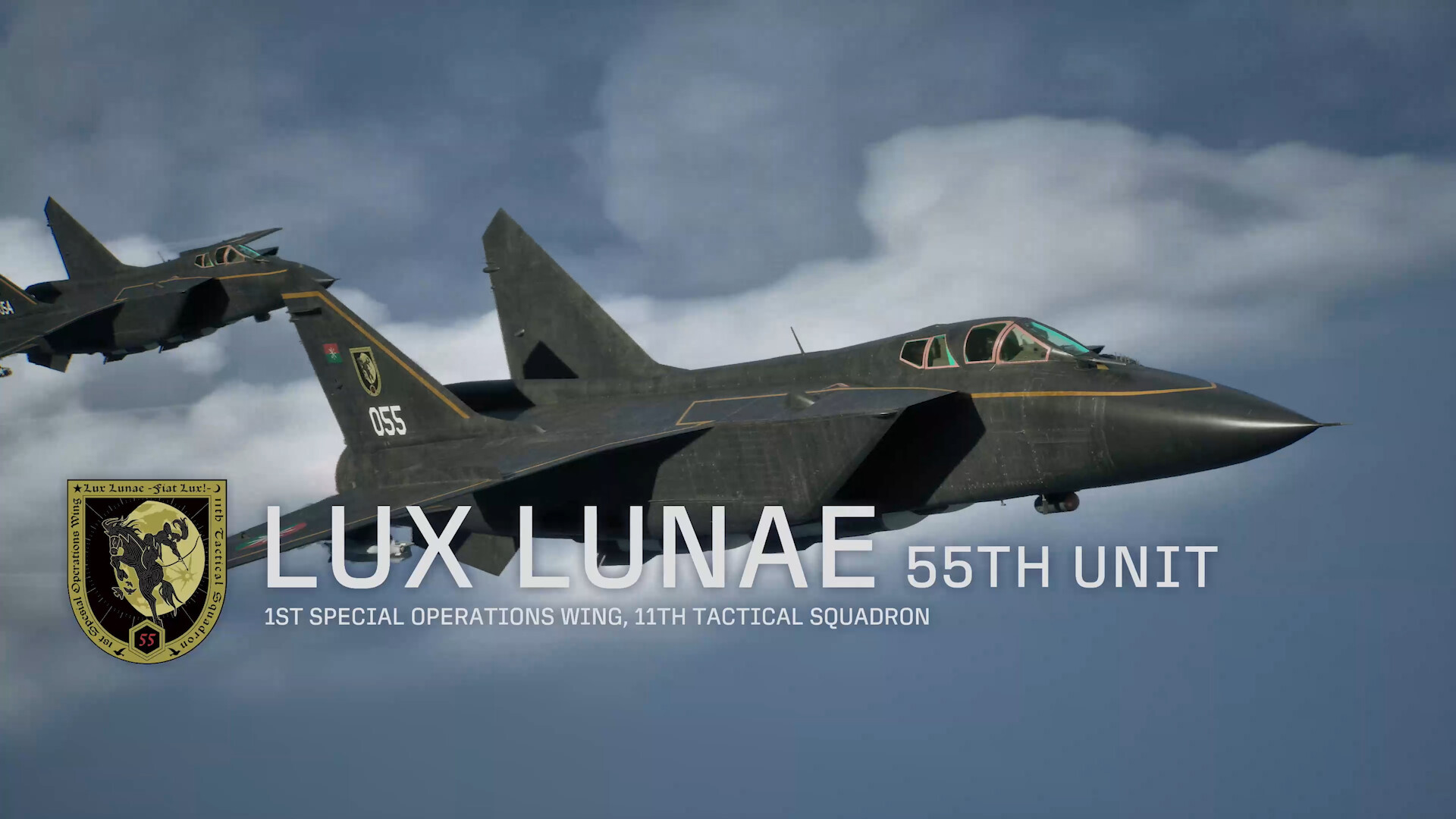
- Rival formation: official 1920×1080 original — Dark fighter aircraft in an in-game squadron introduction.
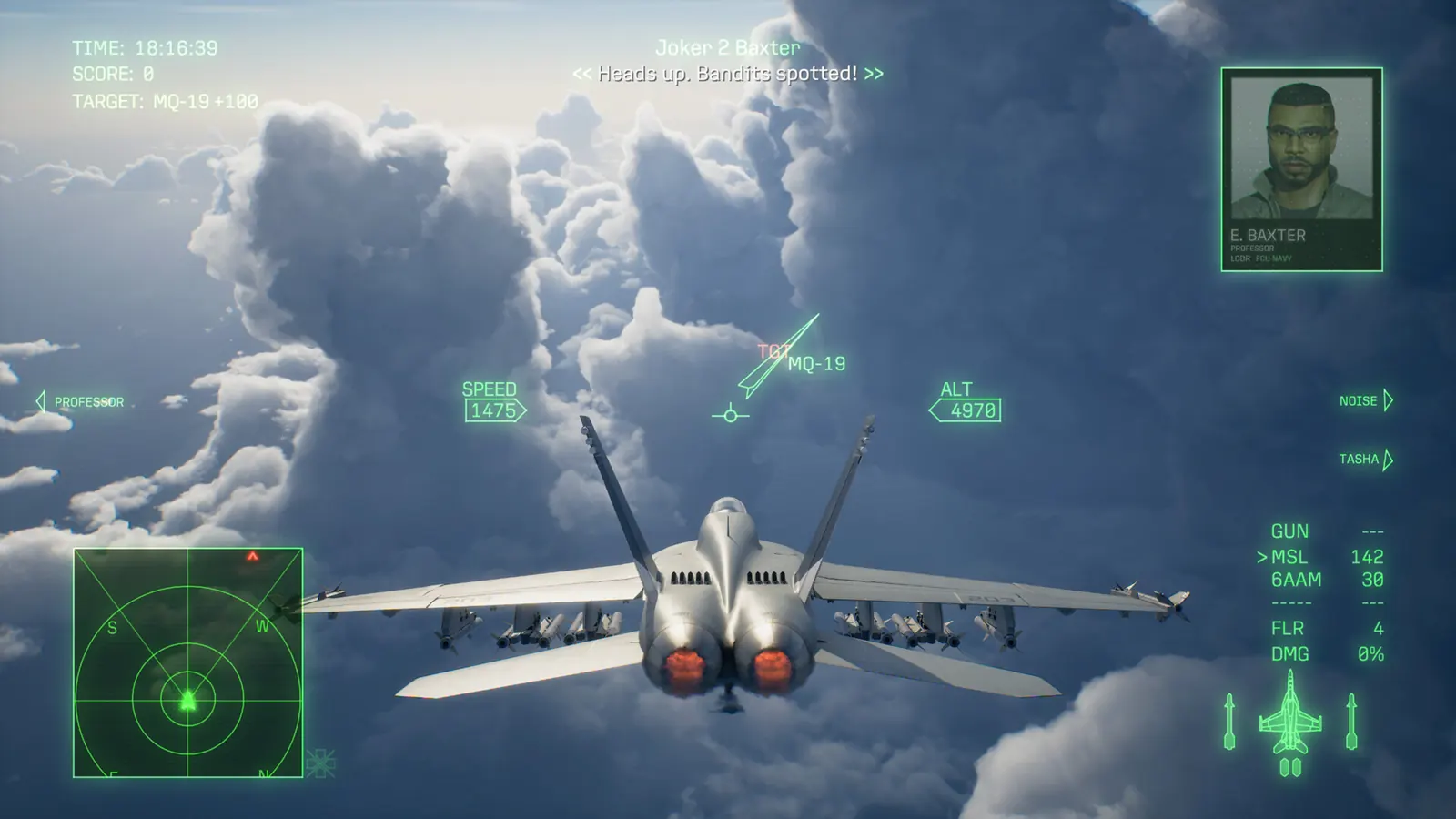
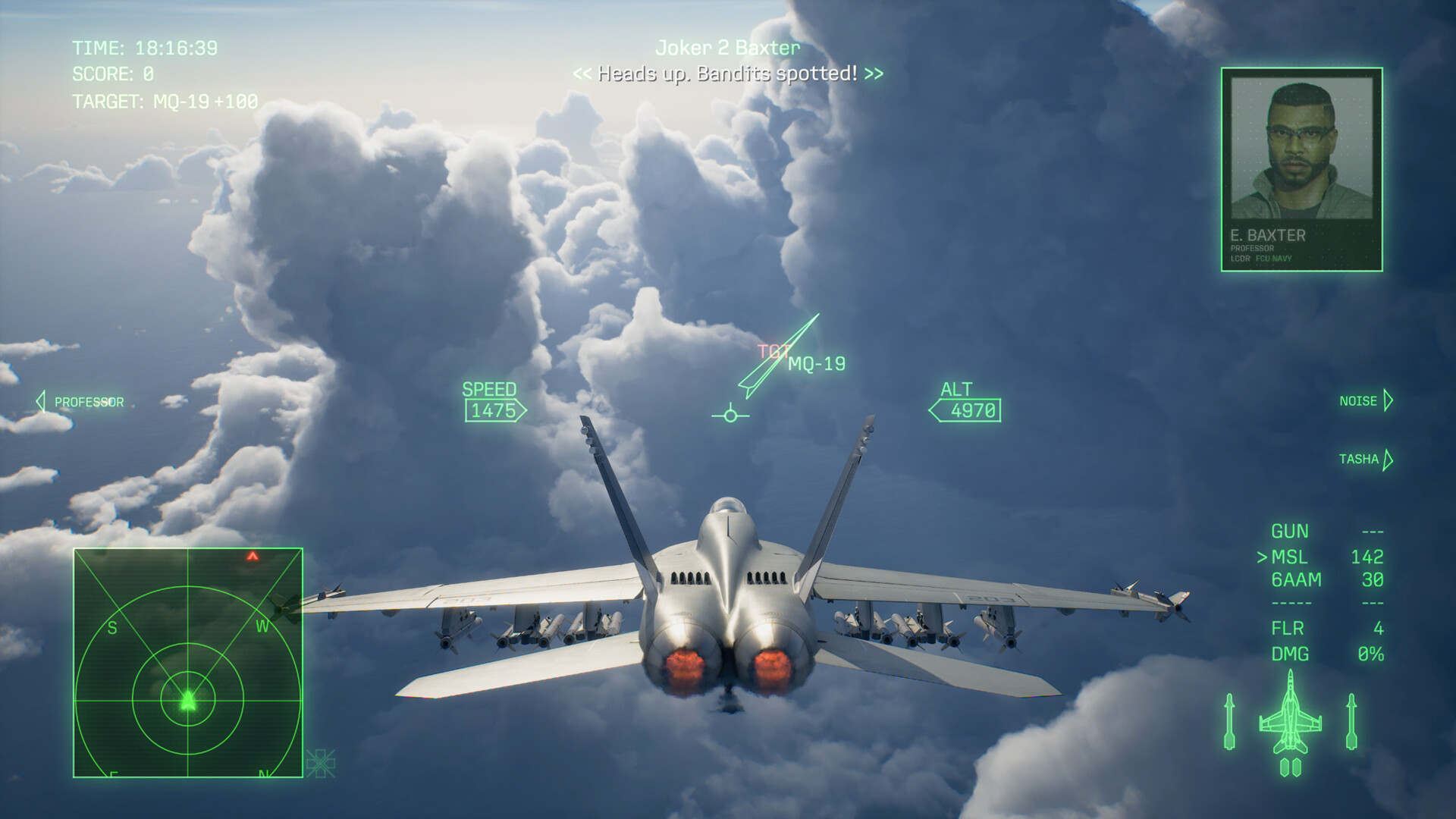
- In the air: official 1920×1080 original — Third-person fighter gameplay with target labels and a flight HUD above clouds.
These source links do not grant a redistribution license. Game artwork, aircraft trademarks and depicted assets remain with their respective rights holders.
Choose fit before increasing resolution
A 1920×1080 image matches a 16:9 screen shape. On a 21:9 display, a fill setting crops some of the top and bottom; a fit setting can preserve the entire frame with empty space at the sides. Compare the actual subject before accepting a crop, especially when a cockpit or preparation UI is important.
Displaying a 1080p original on a 4K monitor enlarges it; it does not create native 4K detail. This page does not label an upscale as a higher-resolution official asset. The local page previews use 800- and 1600-pixel WebP variants for browsing, while the external links identify the source originals.
Keep screenshots separate from mission evidence
A promotional screenshot can identify the game’s visual style. It cannot prove our own playthrough, a Mission 28 rank, a hidden unlock or your system’s frame rate. Use official videos for motion and hardware requirements before purchase.
For the character shown in the hangar, see Tasha’s official introduction. For the four-aircraft preparation scene, use squad ownership and weapon-slot planning; the screenshot is not a complete unlock tree.
Sources & limits
Community reports are attributed, not tests performed by this site. Builds are unspecified unless stated.
- Steam: official ACE COMBAT 8 screenshots ↗
Six source files checked as 1920×1080. Limited editorial previews; no blanket artwork license claimed.