Enter mission preparation and look for the parts option while readying your aircraft and squadron. A solved Steam thread places it there, rather than on the Aircraft Unlock screen familiar from AC7.
On this page
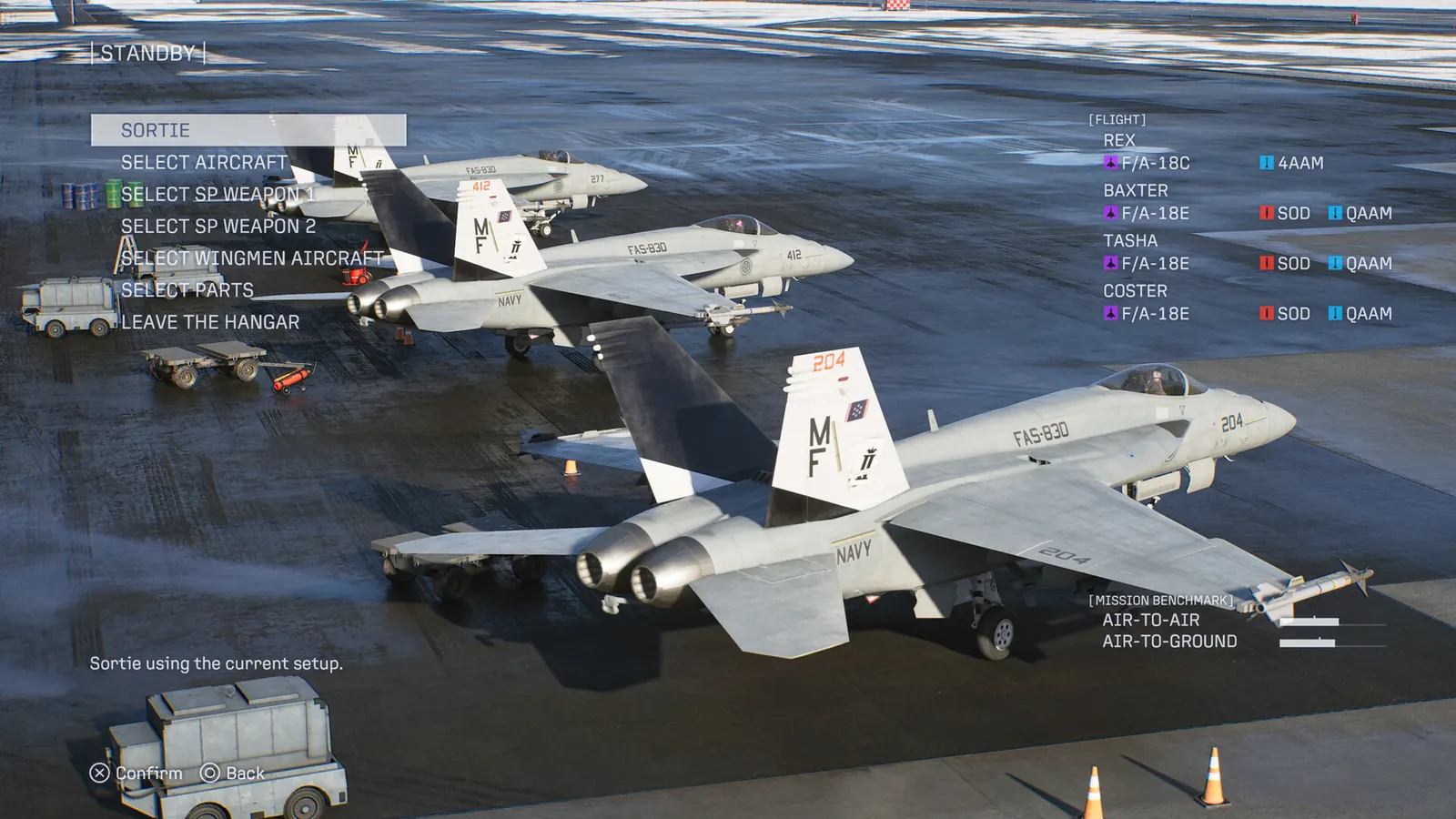
Choose parts for the failure you are solving
Before buying or rearranging parts, name the problem: running out of missiles, struggling to turn onto a target, or spending too long killing a priority enemy. Then compare the available part descriptions against that problem. This is our preparation checklist, not a numerical optimization model.
For a concrete mission example, the Mission 8 clear report uses extra missile payload, while Mission 28 players report weapon-focused setups. Those reports should not be converted into a universal best-parts list.
Confirm that the change is on the intended aircraft
Recheck the mission-ready loadout after leaving the parts screen. If you switch aircraft afterward, confirm the displayed selection again. Save a screenshot of the final configuration when comparing attempts; a purchased part and an equipped part are different things.
This path concerns the campaign player aircraft. It does not establish that your wingmen inherit player parts. See post-campaign wingman aircraft and loadout limits for that separate question. Online aircraft upgrades also have their own progression.
Sources & limits
Community reports are attributed, not tests performed by this site. Builds are unspecified unless stated.
- Steam: solved — adding aircraft parts in single player ↗
Original read October 4, 2026. Launch-period report; game build unspecified.