98 GUIDES / 7 CATEGORIES

Choose your next objective.

Find a mission route, equipment check or symptom that matches your current run. Each guide shows its sources and the conditions the advice covers.
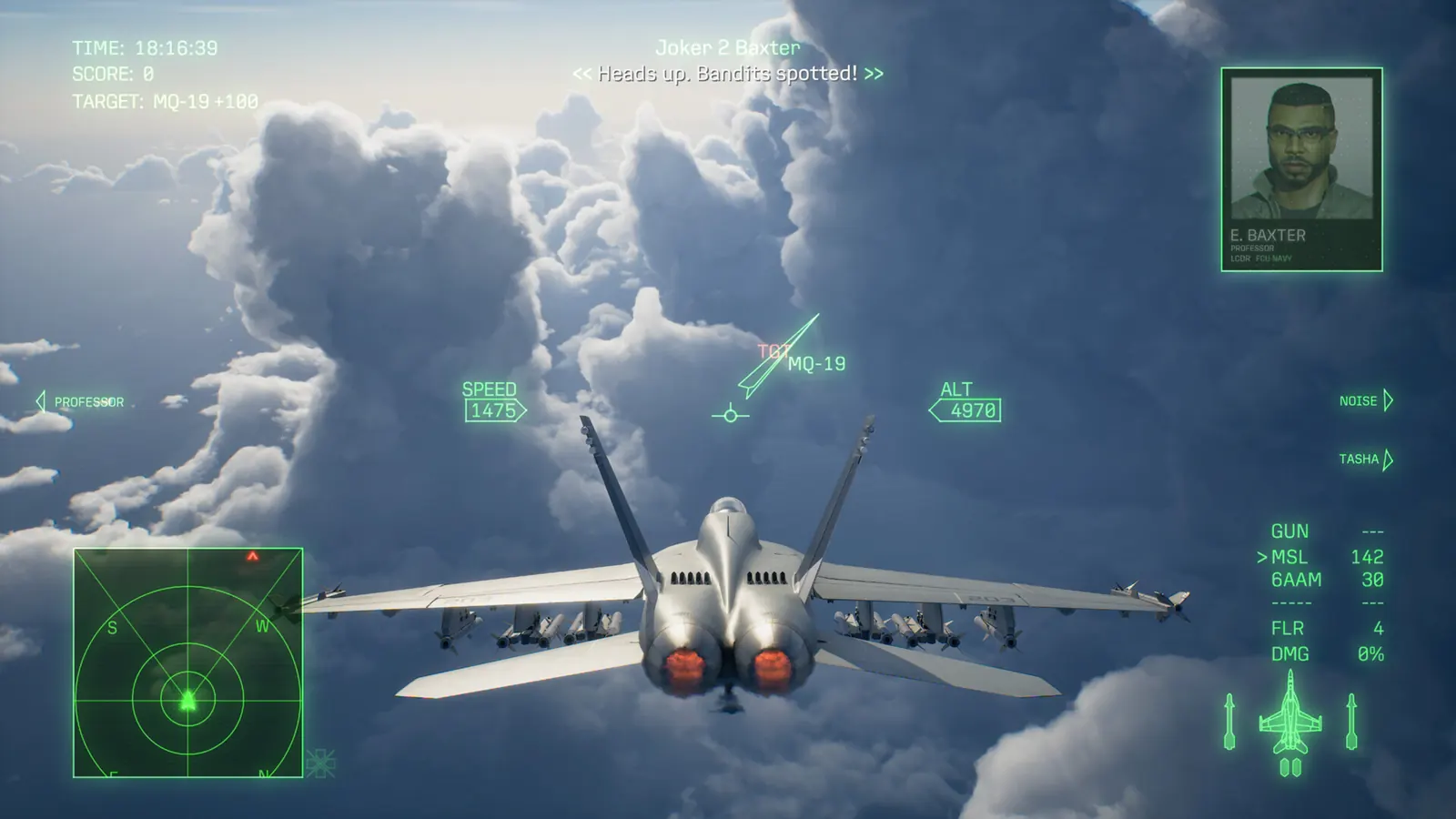
Third-person fighter gameplay with target labels and a flight HUD above clouds26 GUIDES

Campaign & missions

Protect allies, earn mission awards and prepare the squad. Start with the mission you are actually failing; rank and medal conditions are not interchangeable.

Browse campaign →
Mission 28: S-rank & ShadowsCompare reported Mission 28 S-rank loadouts, time shots against the Shadows, and diagnose an A-rank run without assuming a fixed score threshold.Mission 6: protect Spread 1 and 2Follow the reported Mission 6 escort sequence, respond to threats against Spread 1 and 2, and distinguish a campaign clear from the optional Flamma ace condition.Mission 8: keep allies aliveUse reported Mission 8 target priorities and ammunition planning to protect allies in Retaking of Theve II. Separate a clear route from an S-rank claim.Mission 14: detection medalCompare successful Skillful Escapee reports, avoid detection through the ending, and use a reported checkpoint recovery after detection instead of assuming the whole mission must restart.Mission 9: Land BattleshipProtect the bomb trucks, expose and destroy the secondary treads, then handle the buildings and rocket thrusters in Mission 9, The Land Battleship Blockade.Mission 15: engines & S-rank routesCompare a timed HPAA engine route, F-22 missile rotation and a reported checkpoint refill for Wings of Wax; keep the Lupus collection detour separate.Mission 16: disguised shipsRecognize Mission 16’s three-crane container ships, follow the reported search pattern, handle launched UAVs and check a repeat-clear MRP route.Mission 17: Quick Weasel medalUse an attributed Mission 17 medal route that clears first-half targets before Queen Flight, and distinguish your Joker squad from the other allied squadron.Mission 21: Intact PrincessPrepare a reported QAAM or FA-36 attempt, intercept threats to the shuttle, and distinguish an Intact Princess award from a mission clear or S rank.Mission 22: Celaeno wings & escapeFollow Celaeno’s component phases, deal with shield UAVs, expose the generator and reach the western return line in Mission 22 / Operation Patch of Blue.Mission 27: Titan’s FallFollow the confirmed player route for Mission 27’s Titan’s Fall medal: directly attack support pillars, control wingmen and clean up after deck collapse.Mission 30: stop the final collisionStop the submarine’s final charge by attacking its marked components; compare reported retries when targets resist damage or the ending sequence fails to start.Paint It Blue: Fire the Load medalCheck the two landed and two flying Podarges, distinguish weapon subtargets from a destroyed hull, and compare conflicting before/after-drop medal reports.Aircraft-type medals & wingmenPlan Night Owl, Raging Falcon, Blazing Griffin or Bloody Chiropteran: which aircraft is restricted, what happens in forced sorties, and why Free Mission is not the reported route.Not a Scratch: armor & checkpointsUse Adaptive Armor without confusing protected hits with real damage, check DAMAGE TAKEN BONUS PERFECT, and handle a failed mission before continuing the campaign.Guns-only: MGP, hard missions & checksPlan a reported guns-only campaign with MGP and armed wingmen, tackle Missions 27 and 30, and check each mission bonus before continuing after a mistake.All-S medal: replay missing ranksUse a reported Free Mission completion to revisit missing S ranks, check the selected difficulty and avoid confusing the all-S award with full-run challenge medals.Wingman aircraft & setsUse the reported post-campaign Aircraft Sets path, understand automatic wingman weapons, and assess a player suggestion for an all-air-to-air squad.MRP Aplenty: plan the grindPlan the MRP Aplenty achievement around reported campaign progress, distinguish first-clear payouts from repeat farming, and compare repeat rewards per minute.Choose campaign difficultyChoose a starting campaign challenge, understand the publisher’s difficulty distinctions, and keep Ace completion and S-rank goals separate from control style.Campaign length & replay goalsUse one reviewer’s roughly eighteen-hour, thirty-mission campaign as a planning reference, then account for retries, cinematics, ranks and separate Online progression.All 30 missions & progress checklistMatch campaign mission numbers and titles, hide later title spoilers, and find help for land battleships, mission medals, the shuttle and the final collision.Achievement roadmap & collection planGroup Steam achievement goals into story progress, squad actions, collecting, replay tools and Ace ranks without inventing a one-run platinum or completion-time promise.Named aces & Assault RecordsFind the 31 conditional Campaign aces by mission, compare source differences, finish the sortie to keep the record, and unlock matching special aircraft colors.Mission 25: stopped timerMatch the Mission 25 stopped-timer softlock to the official 1.01.002 fix. Separate current-version failures from older exit-menu reports and normal objectives.Reported forward-resupply sitesFind reported forward-resupply sites in Missions 3, 21, 26 and 28. Separate an airfield from Endurance, and keep the known Mission 28 re-sortie fix in view.
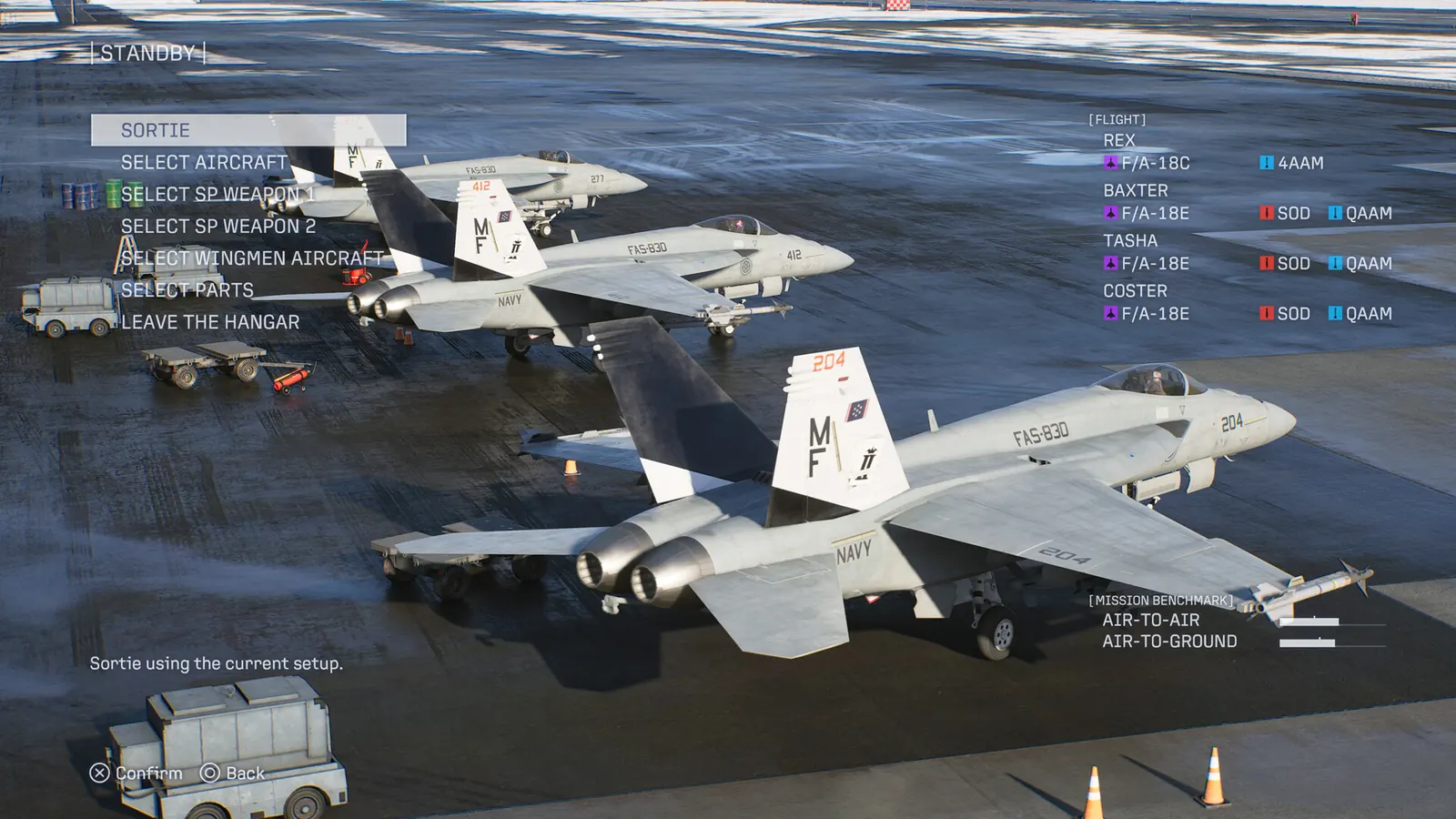
Campaign preparation screen showing a four-aircraft lineup and two special-weapon selections17 GUIDES

Aircraft & weapons

Browse the publisher aircraft catalog, fit campaign parts, compare weapon tasks and check DLC access before buying or grinding.

Browse aircraft & weapons →
4AAM Dogfight Spec. explained4AAM Dogfight Spec. widens the lock-on angle 25%, cuts lock distance 20% and reload 10%. See the numbers, why the text says range twice and who it suits.Aircraft list & rolesBrowse the official aircraft catalog by role, then separate campaign equipment, Online upgrades, F-14A DLC and Morgan access. No invented unlock tree or tier rankings.Equip campaign aircraft partsFind the campaign parts menu during mission preparation, rather than looking for it in Aircraft Unlock. Includes a simple pre-sortie verification sequence.Unlock Morgan–PIXYCheck Season 1 Premium Ace Pass ownership, redeem the Deluxe voucher, and distinguish immediate Online Morgan access from the campaign completion requirement.F-14A: preorder & DLC accessDistinguish the F-14A preorder aircraft from F-14D, check its current standalone Steam DLC listing, and avoid assuming campaign ownership transfers online.LAAM: range & target choiceUse attributed LAAM range and angle reports, compare formation weapons and close dogfight alternatives, and avoid taking an air-only setup into a core-target fight.SASM: Shadow-fight loadoutUse attributed SASM Shadow-fight successes, time a standard-missile follow-up, prepare ammunition and keep campaign parts separate from Online upgrades.Bombs: aim, clusters & bunkersUse the ground-impact circle for unguided bombs, choose clustered versus isolated targets, and compare the reported GPB alternative for Mission 7’s hardened bunkers.YF-23: roster & unlock claimsCheck the YF-23 against the launch aircraft roster, distinguish an enemy sighting from ownership, and avoid unsupported F-22 tree or future DLC unlock advice.Unlock FA-36, EA-36 & X-40Plan the reported Mission 30 completion gate and MRP costs for three special campaign aircraft, then keep purchases, squad copies and Online progression separate.Best aircraft for your next taskCompare reported aircraft by task, follow a first-campaign F-35C purchase route after the Hornet, and distinguish the SOD-equipped models before spending MRP.Two special weapons: ammunition tradeoffFind the reported Mission 6 campaign unlock for two special weapons, compare the ammunition tradeoff, and keep wingman weapon choices separate.Aircraft Tree: buy squad copiesUnderstand repeat aircraft purchases for the squad, compare the reported one-eighth copy cost, and separate tree ownership from post-story setup and Online development.Unlock and change campaign skinsUnlock Aircraft Sets after the story, select an owned skin on the matching aircraft, and check why an ace paint scheme or Deluxe cosmetic is unavailable.Drop tanks: unlock, equip & releaseFind the reported post-campaign Drop Tank part, equip it in a MISC slot, release it with weapon switch, and understand the cosmetic tradeoff.EW wingmen & ESM supportCompare reported Prowler, Growler and EA-36 support choices, keep a support wingman close with Cover, and avoid importing ESM numbers from older games.QAAM range and Rapid-Fire Spec.Check the QAAM Rapid-Fire ability before assuming a range nerf. Compare Campaign and Online base values, parts and a clearly labelled fan-data example.
Helmeted pilot in a fighter cockpit, with aircraft and clouds beyond the canopy14 GUIDES

Ace Combat Online

Choose co-op or PvP, understand progression and threat stars, and prepare for limited-time superweapon encounters.

Browse online →
Update required, but Steam has none?Separate the November 2 rollout and maintenance window from a stale Steam client or installed-version mismatch, without treating reinstalling as a verified fix.ECM duration after 1.01.002Separate reported 10-second ECM coverage from its 42–44-second recharge, compare ESM/IEWS reports and keep Online changes apart from Campaign wingman support.Co-op, PvE & cross-playChoose between Co-Op Assault, Co-Op Warfare and special sorties, and understand why online co-op does not mean the story campaign can be played with a friend.Online menus, parties & saved setsFind Return, change party visibility, save aircraft sets, select reward contracts and locate Pilot Rank using attributed Online menu paths.Online levels & weapon slotsSeparate mercenary rank from aircraft level and cap upgrades, use current player reports about Zoll and blueprints, and check second special-weapon access before buying another jet.General blueprints: sources & 10/day capThe daily limit for General Purpose Upgrade Blueprints rose from 5 to 10 on November 6. Check sources, the reported 08:00 UTC reset and event rewards before grinding.Week 3: 1500 cost challenge not countingFor the 1500 cost Week 3 challenge, compare reported base-cost eligibility, the F-15E success and the distinction between ground units and ships.Aircraft cost, score & ZollSeparate match score, enemy bounty, Threat Level and post-mission Zoll before choosing a cheaper aircraft or treating Morgan kills as a currency formula.Emergency Sorties not appearingCheck the correct Ace Combat Online modes, try a different lobby, and understand what remains unknown about Emergency Sortie spawning.Chandelier: chamber & coolingFollow the current player-reported Chandelier objective sequence: enter the open barrel, attack the chamber, reach backup cooling below the cannon and return for the final chamber.Threat Level & Ace starsUnderstand the higher-score and higher-bounty tradeoff of Threat Level, the three-star Ace designation, and how to evaluate a risky chase in Co-Op Warfare.Crossplay: PC, PS5 & XboxCheck official cross-platform support, choose a cooperative Online mission, and distinguish crossplay from campaign co-op and cross-platform save transfer.Campaign vs Online carryoverUnderstand separate Campaign and Online aircraft progression, why campaign completion does not fill the Online hangar, and how shared DLC cosmetics differ.Scramble: availability & preparationUnderstand four-player Scramble missions, their random limited-time availability after regular Online sorties, and prepare for an NPC rival squad.
Third-person fighter gameplay with target labels and a flight HUD above clouds13 GUIDES

Flight & controls

Make pitch input predictable, select the intended target, compare a flightstick yaw workaround and distinguish look prompts from control problems.

Browse flight & controls →
Find and back up FlightStick.iniFind the reported FlightStick.ini directory, back up your actual configuration and distinguish a native axis problem from a keyboard binding or third-party mapper setup.Slow mouse controlsTry sourced keyboard pitch bindings and High-G option B in Ace Combat 8. This is a playable alternative, not a confirmed fix for sluggish mouse input.Steam controller response & deadzoneFollow a player’s Steam Input menu path, start with restrained anti-deadzone, compare small-stick response and restore your previous layout if the aircraft becomes unstable.Xbox controller has no inputSeparate an unpowered or misdetected Xbox pad from in-game input failure, then try the reconnect sequence confirmed by two Steam players.Target selection in clutterTry the community-reported screen-center targeting behavior, give yourself time to select a target, and distinguish clutter from a separate weapon-switch problem.HORI stick: constant left yawSeparate the reported PC/flight-mode yaw problem from calibration, try the original poster’s pad-mode alternative, and record the device before seeking hardware support.PC HOTAS: Joystick Mapper setupCreate an AC8 profile, map stick and throttle to a virtual Xbox controller, check output and compare a reported community HOTAS workaround without assuming universal support.PSM inputs, recovery & aircraftFollow the PlayStation input sequence for a Cobra or Kulbit, check the recovery, and choose from the reported partial/full PSM aircraft without confusing Growler and Super Hornet.QTEs & look promptsSeparate skippable cutscene QTEs from reported optional look and yes/no prompts, with no invented global disable setting or guaranteed medal behavior.Standard vs Expert controlsUnderstand direct turning versus bank-and-pitch flight, choose an input practice routine, and separate Expert controls from campaign difficulty.Mouse camera & free lookTry the reported F free-look binding when mouse camera is enabled but Alt does nothing, then distinguish camera look from aircraft steering and device mapping.Type A / B gun-sight comparisonCompare the community-described manual and assisted sight styles, practice with the same target, and use sourced gun windows when fighting the Shadows.Training mode & Boot CampFind Campaign Training from the mission menu, complete one training mission for the stated achievement, and distinguish Online four-player military training.
Campaign preparation screen showing a four-aircraft lineup and two special-weapon selections10 GUIDES

PC & troubleshooting

Check hardware features and storage, compare a cinematic texture setting, understand the Deck case and use the exact ST-3100001 notice.

Browse pc help →
NVIDIA driver warning and 596.36The launcher says your NVIDIA driver has known D3D12 issues and recommends 596.36. See what players report, what to try first and when a rollback is worth it.Cannot accelerate after the update?Stuck at starting speed or zero on PC? Check the reported Left Shift conflict between Accelerate and Accelerate + Decelerate before changing saves or reinstalling.Async Compute: missing or grayed out?Check the scheduled 1.01.002 SYSTEM option, why unsupported GPUs show a grayed switch, and how to compare on/off without inventing an FPS gain.PC specs, RT & SSD spaceCompare Steam PC requirements, DLSS 4.5 support, Windows 10 reports and the open Intel B580 freeze issue, while keeping the 150GB versus 125GB storage distinction.Cutscene stutter: Ultra → HighRun a reversible Ultra-to-High texture comparison for first-person cinematic stutter, using the source player’s hardware and contradictory reports as limits.Deck campaign loading crashUnderstand the Steam Deck LCD campaign-load success report using Proton Experimental, 16GB swap and 4GB UMA, with unsupported status and non-isolated changes made clear.Error ST-3100001Follow the official Windows time synchronization advice for Ace Combat Online error ST-3100001, then collect useful information if the error persists.ERROR 01: scene-change crash checksCompare a reported Native upscaling change for Mission 28/30 scene crashes, check disabled paging against a separate Steam report, and distinguish startup black screens.Replay storage full: what happens nextUnderstand a player-reported rolling replay allocation, preserve clips you care about, and avoid unsupported permission or symlink tricks to disable recording.PC save location & backupLocate the Steam-configured AC8 Windows save folder, make a separate backup without overwriting files, and distinguish Steam Cloud from console cross-save.
Dark fighter aircraft in an in-game squadron introduction7 GUIDES

Start here & editions

Check platforms, compare editions after launch, collect Deluxe gifts, choose an Ace Pass season and prepare a first sortie.

Browse start here →
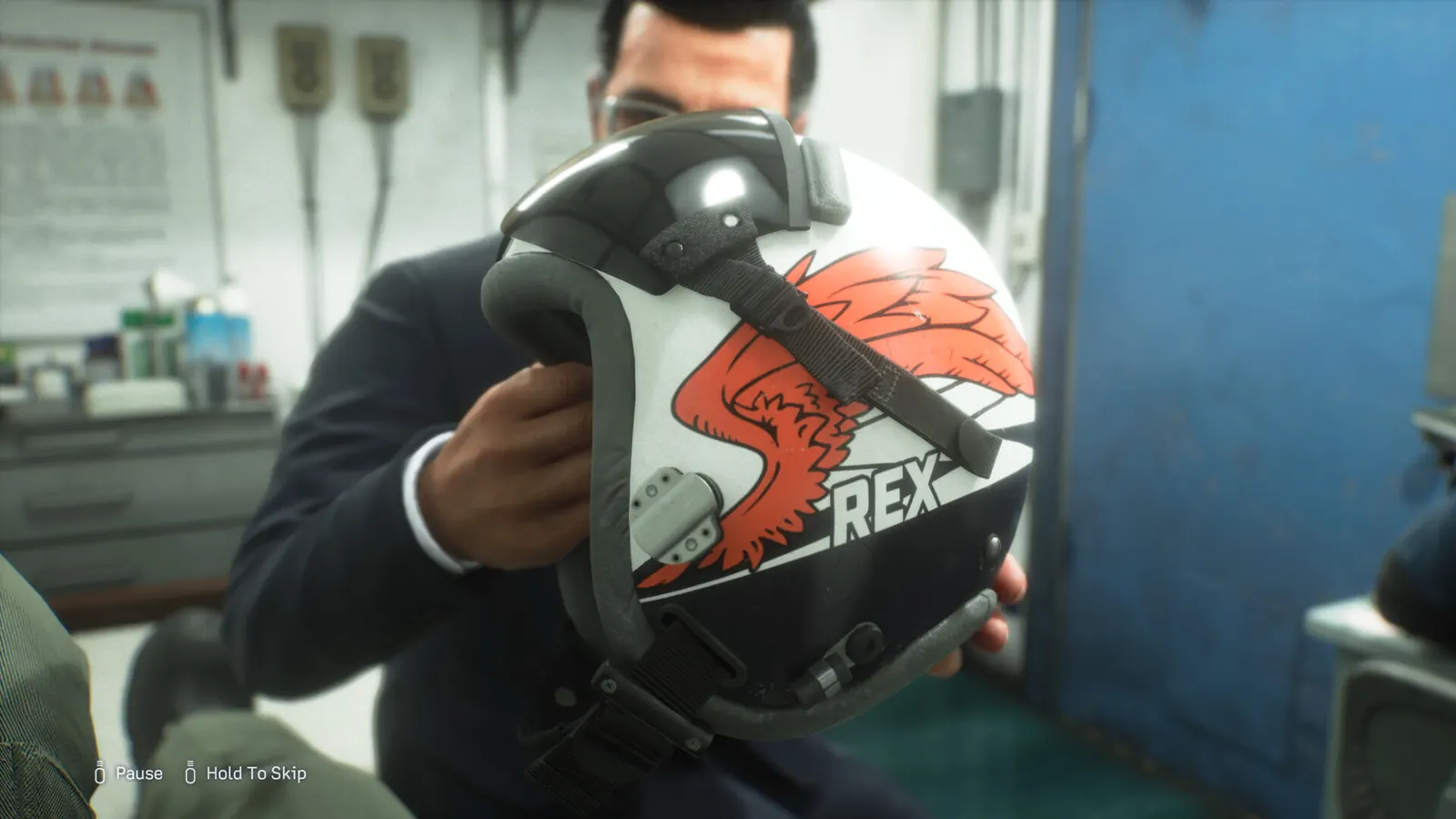
A crew member holding a flight helmet marked REX11 GUIDES

Story, characters & media

Identify the opening crew, understand the fictional conflict, choose an official video and find game screenshot sources without opening a full ending recap.

Browse story & media →
Change music during Free FlightA PS5 player found the music setting after loading Free Flight and pausing. Follow that reported route, resume and check playback without confusing it with an OST purchase.Kate Evans / Little BeeIdentify Kate Evans, Queen Flight’s Little Bee aboard Endurance, distinguish her from Tasha and optionally reveal her later Joker and King callsigns.Dialogue brackets and Yes/No promptsDistinguish general chatter from a line directed at Rex, recognize the reported Yes/No opportunity, and separate it from unverified story-branch claims.Official music video & vinyl packsFind the official Lindsey Stirling music-video page and compare The Vinyl Collection with the Joker Flight game bundle, including regional platform differences.Tasha: the pink-haired pilotIdentify Tasha Severskaya, her Joker Flight position and Zvezda background, see official character imagery, and separate her story role from Online cosmetic rewards.Official trailers & gameplay videosChoose an official gameplay overview, launch trailer, character clip or edition presentation; see spoiler notes and watch on YouTube without automatic playback.Hour Zero: official episodes & watch orderWatch the official Hour Zero live-action prequel in release order: Episode 1, Episode 2, Episode 3 and Epilogue; distinguish behind-the-scenes clips from story installments.Characters, callsigns & crewLook up Jan Cope, Tasha Severskaya, the other Joker Flight pilots and Endurance support crew in a spoiler-light character directory based on publisher profiles.Story setting: FCU, Sotoa & EnduranceUnderstand the opening conflict, the carrier base and how Rex takes over Jan Cope’s Wings of Theve identity. Opening-story spoilers; no ending summary.Official screenshots & wallpaper sourcesFind official 1920×1080 game images, compare cockpit, character and flight compositions, and choose a screen fit without mistaking an upscale for original 4K artwork.Launch news & player next stepsRead the dated launch and Season One announcements, then find the right platform, pass, aircraft access and error-code guide without confusing metadata changes with patch fixes.