Complete the campaign, then open Mission Menu → Aircraft Sets. Choose a slot, enter Edit Aircraft Set and select Select Skin. PowerPyx’s Plane Coordinator walkthrough gives this path. Choose an unlocked paint scheme for the aircraft in that set; first-playthrough customization and Online customization have different gates.
On this page
Apply a campaign skin
- Finish the campaign once. If Aircraft Sets is absent during your initial run, complete the story first.
- From the mission menu, open Aircraft Sets and choose the set slot you want to change.
- Open Edit Aircraft Set → Select Skin.
- Select an unlocked skin for that aircraft. Check the displayed preview before leaving the editor.
The Plane Coordinator walkthrough supports that menu path. The achievement’s success condition is customizing a campaign aircraft skin or emblem; this site has not performed a trophy test.
Where campaign paint schemes come from
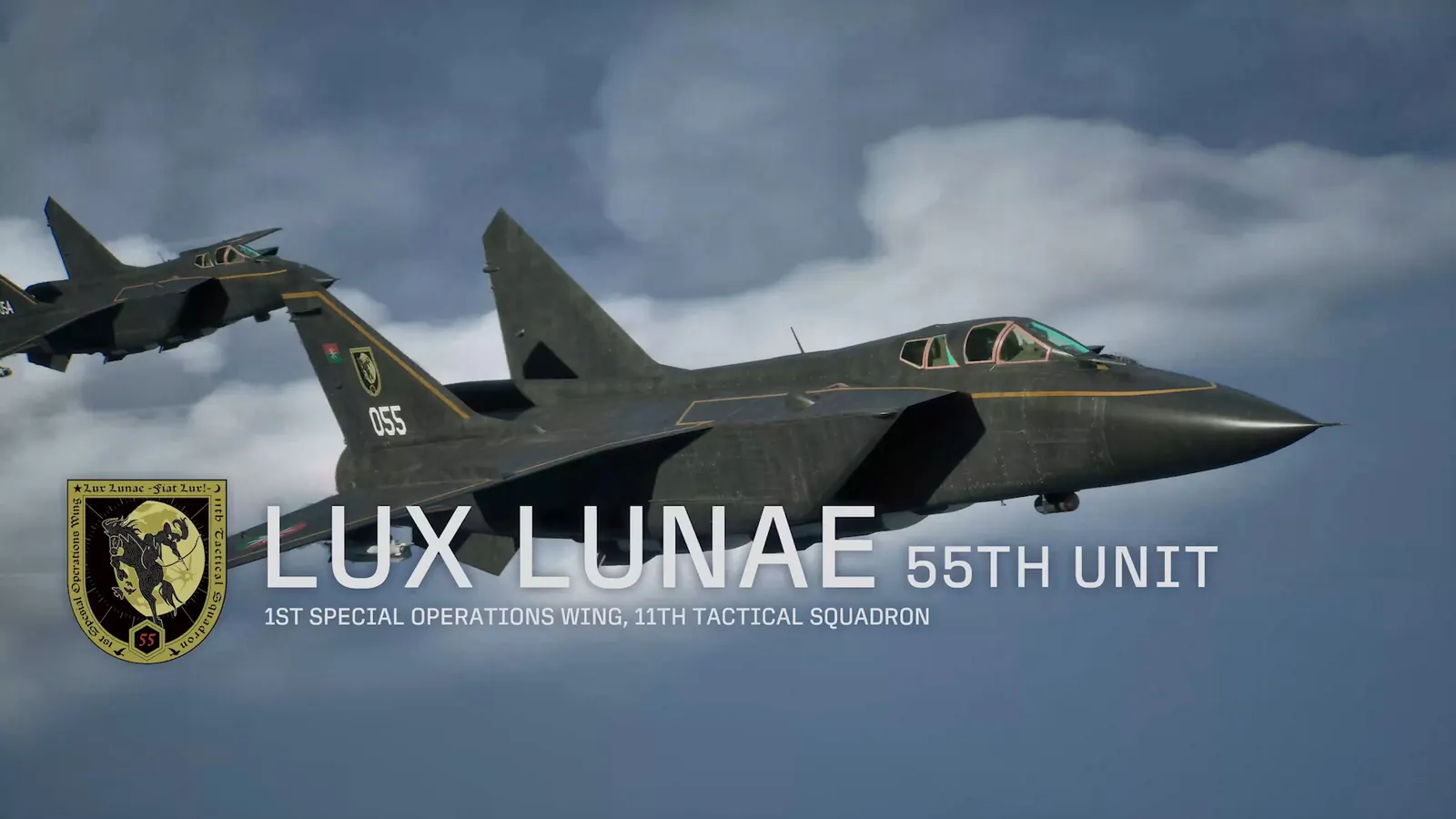
Conditional named enemy aces provide special colors for their aircraft. Use the named-ace collection guide to find the right mission and trigger. Fly on Veteran or higher, shoot down the ace and finish the mission so the kill counts.
Buying the plane and unlocking its special color are different actions. An ace’s color does not establish that an otherwise unavailable aircraft becomes playable. For an aircraft access question, start with the playable roster.
Missing a Deluxe skin or expecting Online weathering?
The Cosmetic Set includes F-4E Mobius Squadron 25th Anniversary and F/A-18C Team Zvezda skins. Select the matching aircraft rather than expecting those colors on every plane. Deluxe includes this set; avoid buying it twice. Use the gift claim checks when owned content is absent.
The publisher separately marks the Tasha lobby outfit and Scarlet smoke part as Online-only. The Online overview describes Online skin, emblem and weathering customization; that does not mean the same editor is available in Campaign. Keep mode-specific progression separate when diagnosing a missing option.
If a skin is still missing after the appropriate gate, record its exact name, aircraft, source and mode. A successfully applied preview is a better check than merely owning the pack.
Sources & limits
Community reports are attributed, not tests performed by this site. Builds are unspecified unless stated.
- PowerPyx: Plane Coordinator walkthrough ↗
Read October 5, 2026. Launch-period information; exact game build unspecified.
- Steam: contents and duplicate-purchase notice ↗
Read October 5, 2026. Launch-period information; exact game build unspecified.
- Bandai Namco Europe: Online customization ↗
Read October 5, 2026. Launch-period information; exact game build unspecified.