For the November 2 PC symptom where speed will not rise above its starting value, check the new Accelerate + Decelerate binding. Xentherida reports that Left Shift triggered the airbrake instead of adding thrust; moving the combined binding elsewhere while retaining Left Shift for Accelerate solved their case. Rebinding also worked for Striker1320 and the original poster.
On this page
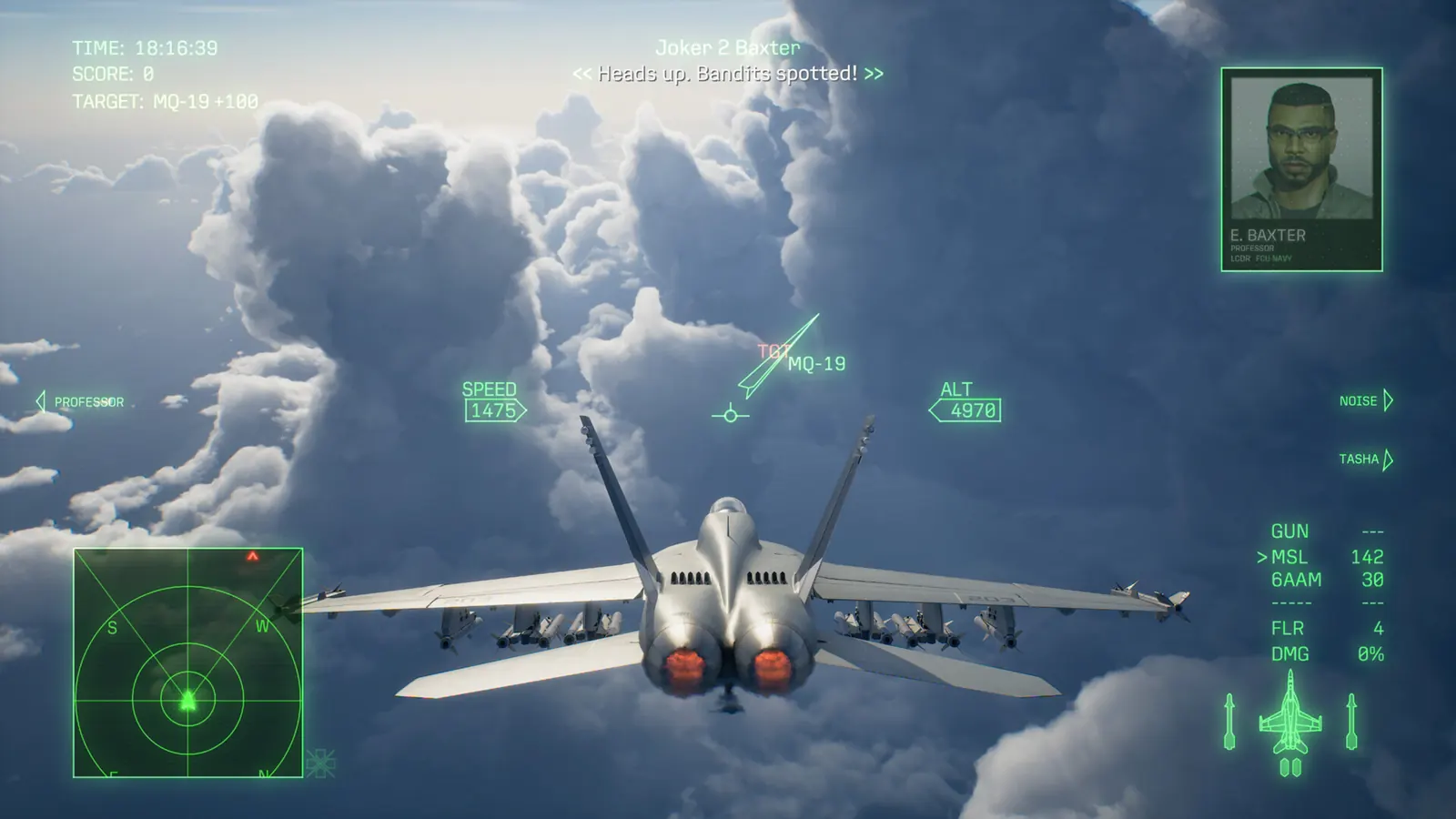
Match the symptom before changing a control
The question describes an aircraft stuck near its initial 600 speed in an airborne start, or at zero during a takeoff start. Another player noticed the airbrake deploying while holding the expected acceleration key. These are the reported observations, not fixed speed limits for every aircraft.
Some PC and Xbox replies reported normal acceleration. That prevents treating this as a confirmed failure affecting every updated installation. A mouse that turns slowly is a different input problem.
Separate the keyboard commands
- Open the game’s button mapping and record your current throttle assignments before editing.
- Find Accelerate, Decelerate and the combined Accelerate + Decelerate entry.
- If Left Shift is assigned to the combined entry and you want it to accelerate, move the combined entry to a different unused input and keep Left Shift on Accelerate. Check that your intended brake input remains separate.
- Save the mapping and test in a low-risk flight. Press acceleration and braking separately and observe both speed and the airbrake.
- Keep the change only if the inputs now produce the intended independent actions.
The precise combined-entry conflict comes from Xentherida’s edited reply. The other successful replies say rebinding worked but do not publish complete key maps. This site did not reproduce their configuration.
If rebinding does not restore thrust
Restore your recorded assignments if the experiment makes control worse. Note the installed version, input device, affected key and whether the airbrake moves. For a physical HOTAS, inspect the reported FlightStick.ini location rather than assuming a keyboard conflict explains an axis-range problem.
The publisher acknowledges keyboard assignment and peripheral connection changes in 1.01.002, but does not name this exact conflict or guarantee this workaround. Neither source calls for deleting a campaign save or reinstalling the game. Persistent cases need the actual binding screen and a repeatable input report.
Sources & limits
Community reports are attributed, not tests performed by this site. Builds are unspecified unless stated.
- Reddit: starting-speed lock and successful rebinding replies ↗
November 2; original, Striker1320 confirmations and Xentherida’s detailed edited reply read November 2. Exact client builds unspecified.
- Bandai Namco: keyboard and peripheral adjustments ↗
Original 1.01.002 notes; the newer schedule is November 2. Does not document a universal throttle repair.